
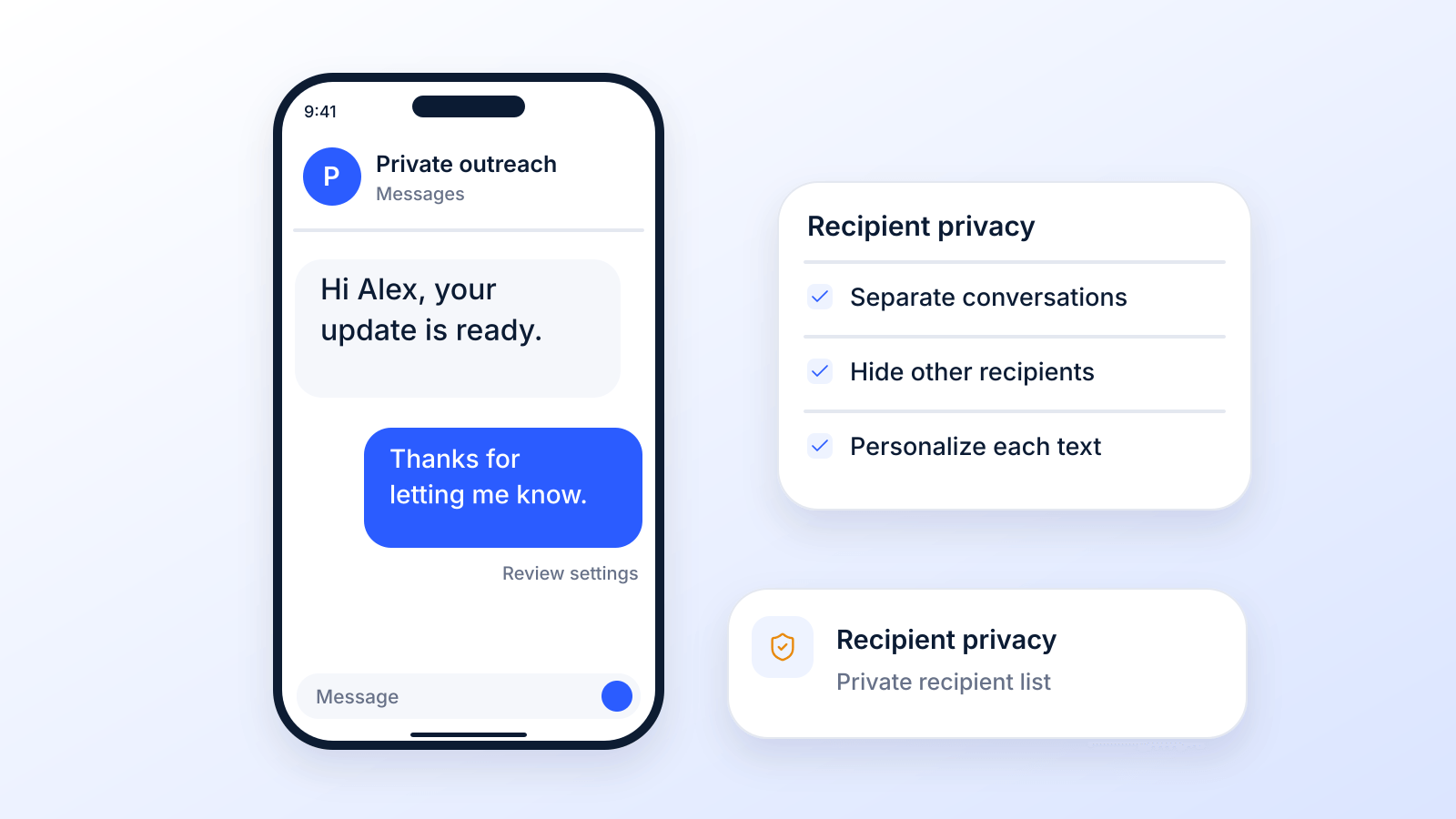
You send one update to a list of customers, parents, patients, or leads. A few seconds later, replies start landing in a shared thread. One person asks a question that has nothing to do with the others. Another replies with personal details. Everyone can see everyone’s number. What should’ve been a simple outreach message turns into a messy group chat.
That’s the moment it becomes clear that the intention wasn't to start a conversation between recipients. They were trying to send one message privately, at scale, without exposing contact data or creating reply-all chaos. That’s where blind copy text messages come in.
This guide covers what iPhone and Android can and cannot do (Apple and Google documentation, checked October 19, 2026), the private way to send one text to many people, and the FAQ.
What "Blind Copy" Means for Text Messages
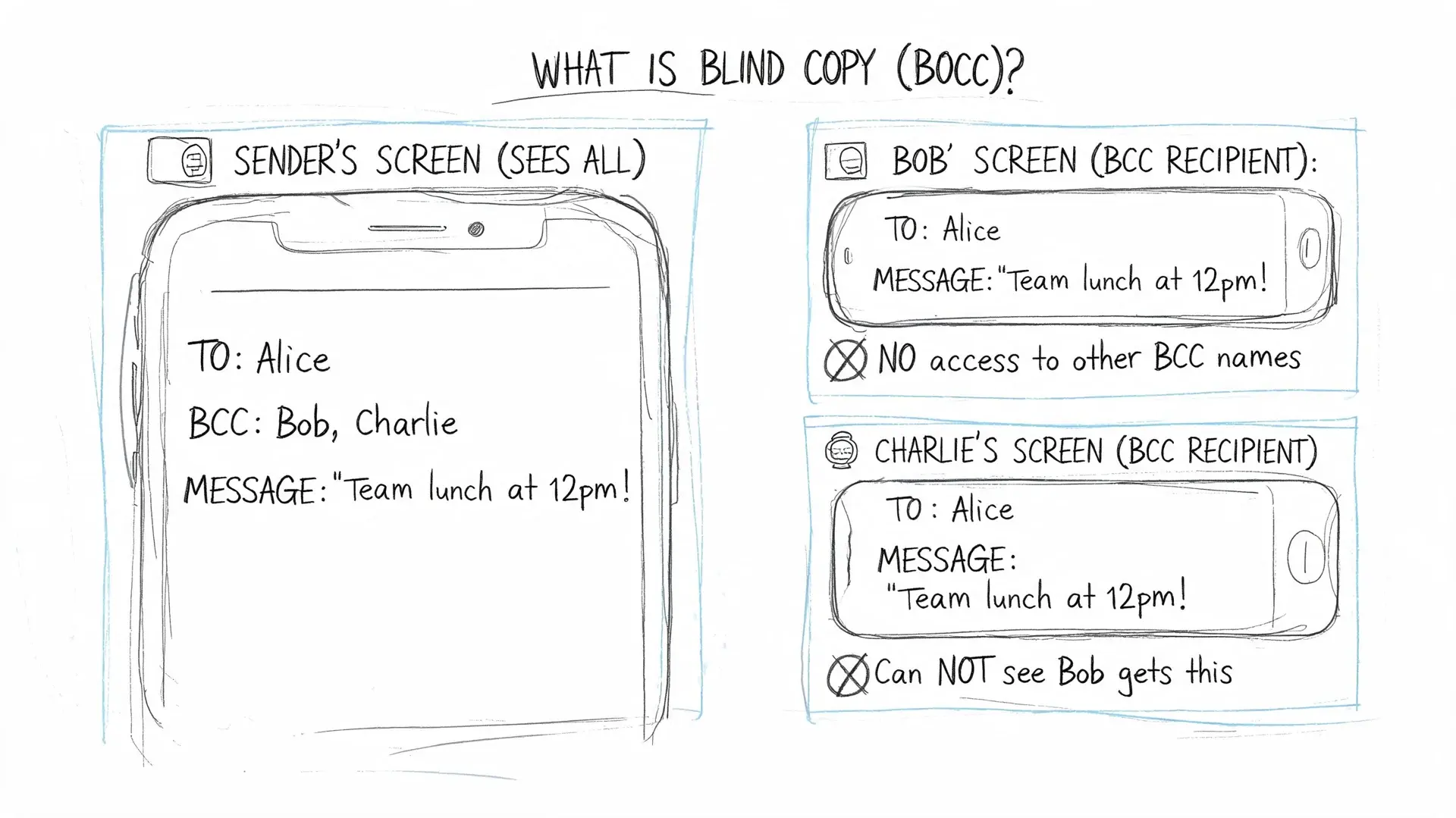
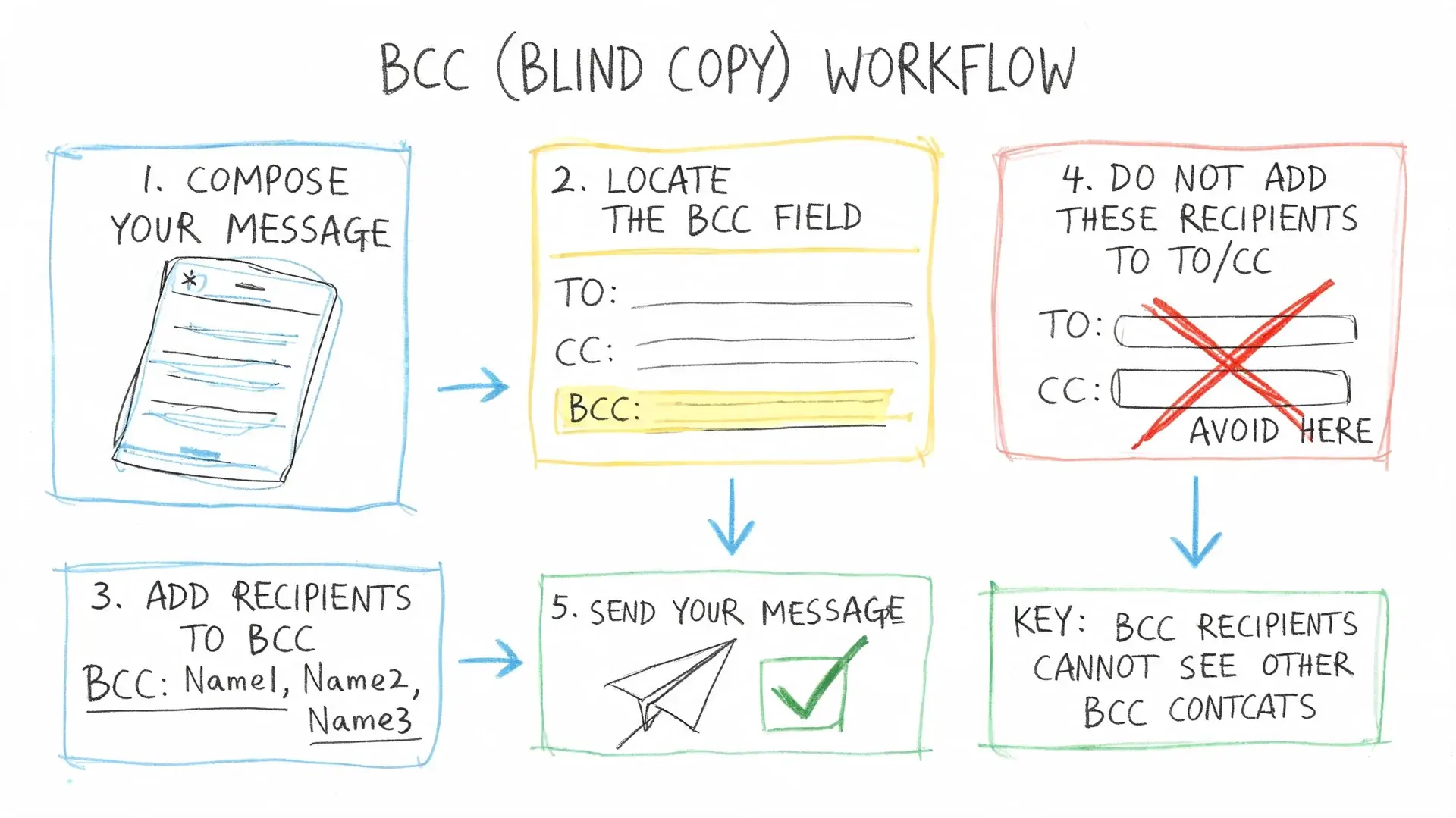
Blind copy text messages work like email BCC. You send one message to multiple people, but each recipient gets it as a separate private text. They don’t see the other recipients, and their replies come back only to the sender.
That idea comes from email. The concept of blind copy in SMS is adapted from email BCC, which was defined in the earliest email message standards: the "Bcc" field appears in RFC 733 (1977) and again in RFC 822 (1982), where the blind recipients are kept out of the copies other people see. But text messaging never got the same native feature on phones. A standard group text puts everyone in one conversation, which is why businesses use private mass texting platforms to send messages that arrive one to one while replies come back privately to the sender.
What recipients should experience
When blind copy texting is set up correctly, the recipient experience is simple:
- Private delivery: Each person sees a direct message, not a group thread.
- Private replies: If they answer, the reply goes to you, not to everyone else.
- No exposed contact list: Nobody can browse the other recipients’ phone numbers.
That matters for more than convenience. It protects privacy, keeps communication professional, and avoids the awkwardness of unrelated people ending up in the same thread.
Practical rule: If recipients don’t need to talk to each other, don’t use a standard group text.
What blind copy texting is not
It’s not the same as adding multiple contacts to a text on your phone and hoping the device sends separate messages. Sometimes phones can mimic private delivery for small sends, but that isn’t true BCC functionality and it breaks down fast when you need scale, scheduling, reply handling, or compliance controls.
It’s also not just a marketing feature. Blind copy text messages are useful for appointment reminders, event updates, school notices, lead follow-ups, internal alerts, and customer service outreach.
A simple way to think about it is this: email has BCC built in. SMS usually requires a dedicated workflow.
Can You BCC a Text on iPhone or Android?
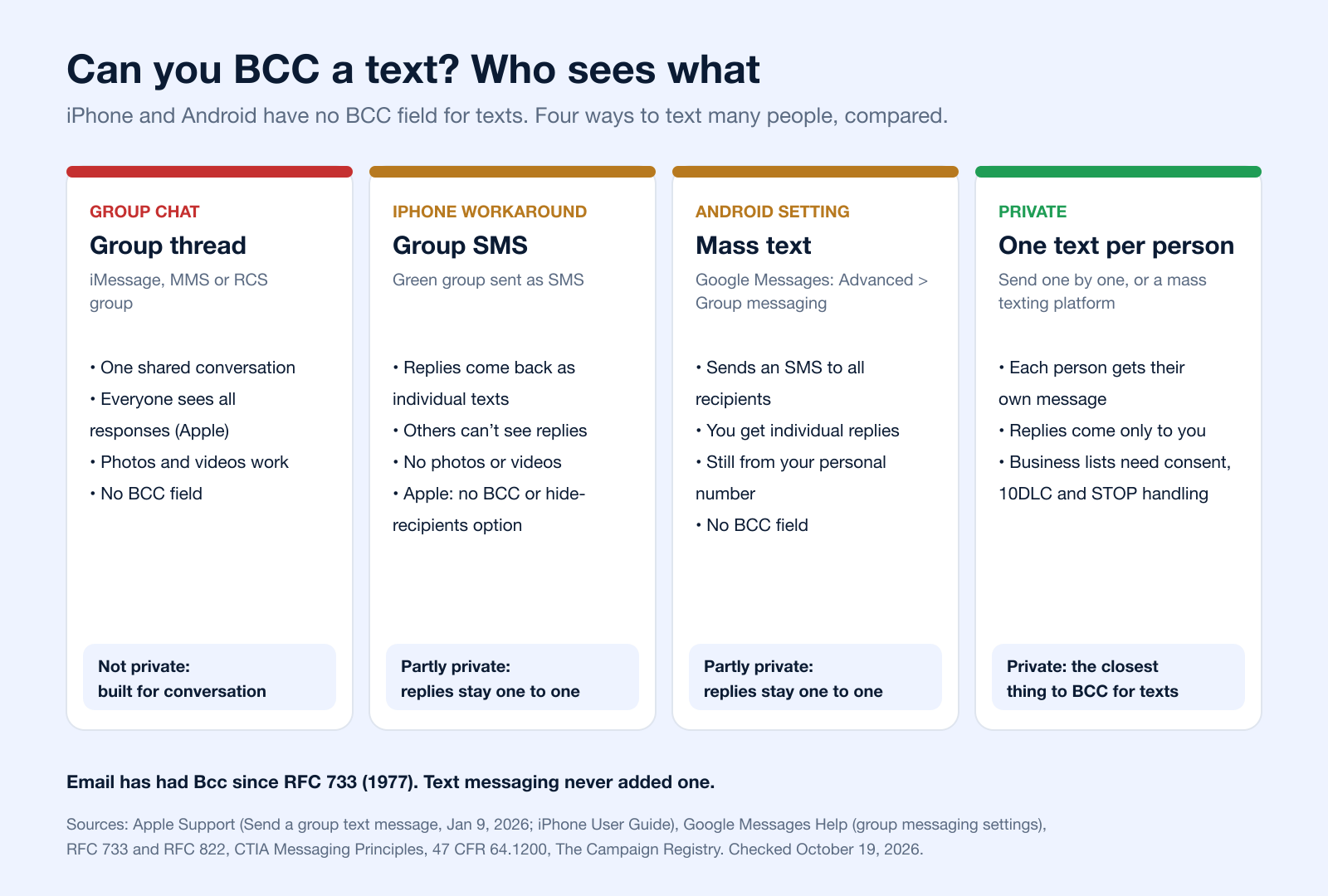
No. Neither the iPhone Messages app nor Google Messages on Android has a BCC field for texts. When you add several people to the To field on an iPhone, you start a group conversation (Apple iPhone User Guide). What you can control is how replies travel, and that depends on the kind of group your phone creates.
On iPhone: Group Type Decides Who Sees Replies
Apple lists four kinds of group text. In a group iMessage (blue bubbles) and a group MMS, everyone can see all responses from the group. In a group SMS, "all responses ... are sent as individual text messages and the recipients can't see the other responses from the group", but photos and videos are not supported. Group RCS arrives with iOS 18 (Apple Support, published January 9, 2026).
A workaround shared in forums is to turn off iMessage so the group goes out as SMS. Apple does not document it as a privacy feature, and with iMessage off a green group can still go as MMS or RCS, where everyone sees all replies (Apple: iMessage, RCS and SMS/MMS). If privacy matters, send separate messages instead. See our guide to the group texting app for iPhone for group chats where everyone should be in the conversation.
On Android: Google Messages "Mass Text"
Google Messages has a group messaging setting (profile photo > Messages settings > Advanced > Group messaging) with an option to "Send an SMS reply to all recipients and get individual replies (mass text)" (Google Messages Help). It keeps replies one to one, but it is still not a BCC field, it sends from your personal number, and other Android messaging apps name their settings differently.
Ways to Send One Text to Many People Privately
| Method | BCC field? | Who sees replies | Limits | Source |
|---|---|---|---|---|
| Group iMessage, MMS or RCS chat | No | Everyone in the group sees all responses | Built for conversation, not privacy | Apple |
| iPhone group SMS (green bubbles) | No | Replies come back as individual texts; recipients can't see other responses | No photos or videos; Apple documents no option to hide recipients | Apple |
| Google Messages "mass text" (Android) | No | You get individual replies | Sends as SMS from your personal number; a setting under Advanced > Group messaging | Google Messages Help |
| Google Voice group message | No | Group conversation | Up to 8 participants including you; "not intended for bulk messaging" | Google Voice Help |
| Send each person their own text | Not needed | Only you | Manual; fine for a handful of people | Works on any phone |
| Mass texting platform (business) | Not needed: each contact gets an individual text | Only you, in one inbox | Opt-in consent, 10DLC registration and STOP handling required for business texting | CTIA, The Campaign Registry |
| Email, for comparison | Yes (Bcc) | Depends on reply-all | Part of email since 1977 | RFC 733, RFC 822 |
For a business, the last private row is the one that scales: each contact gets an individual message from your business number, replies come back to you, and consent and opt-outs are tracked. More on that in how to send a mass text.
Why Your Phone's Group Chat Is a Privacy Risk
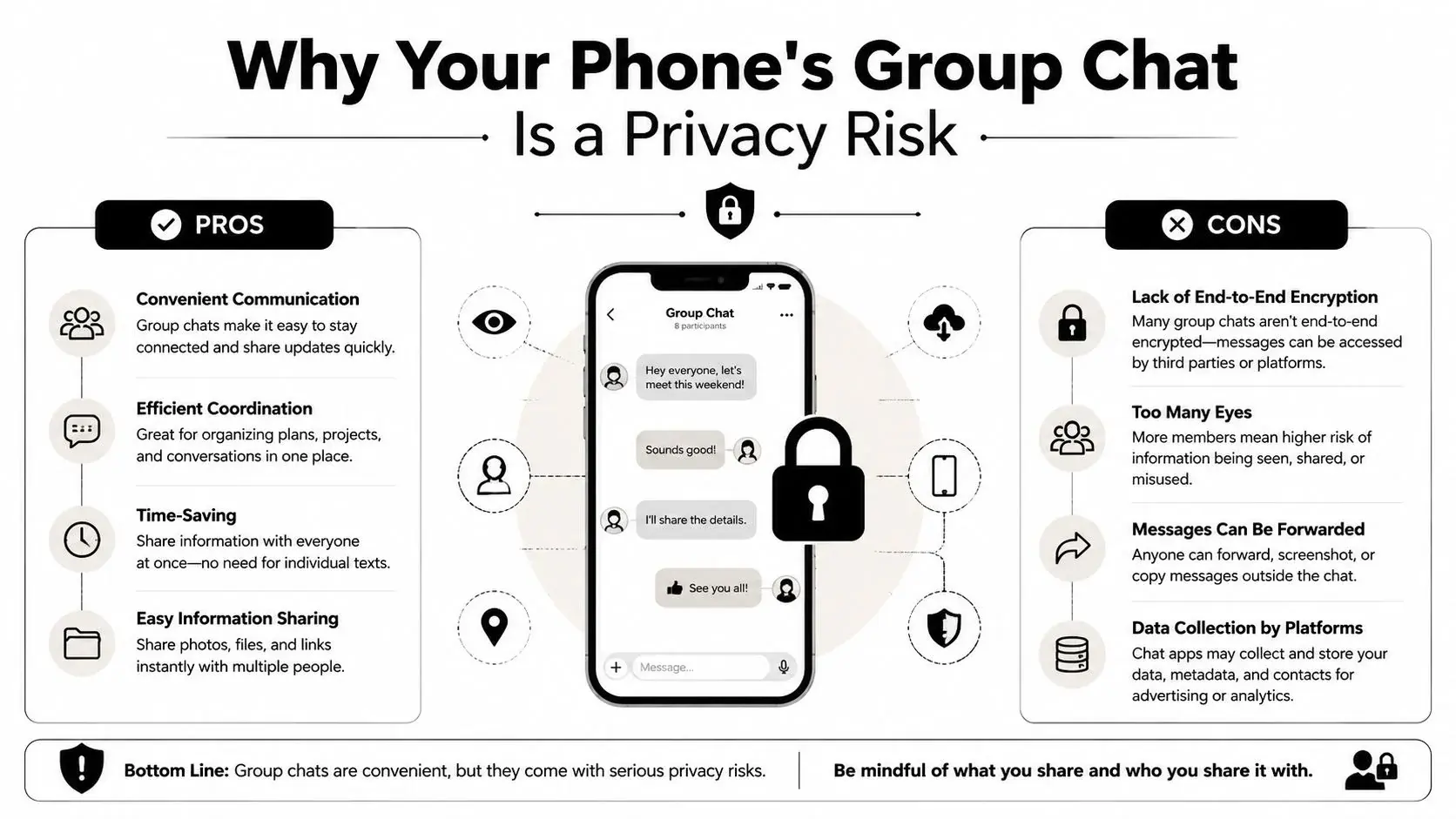
Your phone’s messaging app was built for casual conversation, not professional broadcast communication. That’s the root problem.
On iPhone, a common workaround is to turn off iMessage so a group goes out as SMS, where replies come back individually. On Android, Google Messages offers a "mass text" option with individual replies (Google Messages Help). But these are workarounds, not a real operating model for business use. Apple does not document the iPhone one as a privacy setting, a green group can still go as MMS or RCS where everyone sees all replies (Apple Support), and both are clunky, easy to misconfigure and slow once a list grows.
Why native texting fails in practice
A native messaging app creates problems in three places.
| Issue | What happens on a phone | Why it matters |
|---|---|---|
| Privacy | Recipients can end up seeing each other in a group thread | You expose personal contact data |
| Scale | Manual sending becomes tedious fast | Staff waste time and make mistakes |
| Management | Replies scatter across separate conversations with no campaign context | Follow-up becomes hard to track |
A common mistake is treating a consumer messaging app like a business communication system. It isn’t one. It doesn’t give you a clean record of consent, delivery, reply routing, or campaign-level visibility.
The hidden risk is operational, not just technical
Even when a phone sends separate messages, the workflow still breaks. You have no practical way to segment a list, personalize fields consistently, schedule sends in a repeatable way, or monitor responses in one place.
That matters even more when privacy expectations are high. If your team is handling sensitive communication, it helps to understand the difference between transport security and practical messaging privacy. This guide on whether SMS is encrypted is a useful reference for that distinction.
A phone workaround can send messages. It can’t run a communication process.
What doesn’t work well
- Turning off group messaging every time: Easy to forget, easy to undo, easy to mis-send.
- Sending batches manually: Fine for a handful of contacts. Painful for recurring outreach.
- Managing replies from a personal device: That creates scattered records and inconsistent follow-up.
If you’re texting customers, patients, members, or prospects regularly, the device in your pocket is the wrong layer for the job.
The Professional Workflow for Sending Blind Copy Texts
If you need private outreach that performs well in daily use, the workflow should live in a messaging platform, not in your phone settings. Even on Android, where Google Messages can send a "mass text" with individual replies (Google Messages Help), the message still goes from a personal number with no list segmentation, consent records or opt-out handling. That is one reason teams move to platform-based systems built for scale and deliverability.
Build a private list first
The cleanest workflow starts before you write the message. You need a contact list that’s organized, permission-based, and easy to segment.
That usually means one of two methods:
- Import an existing contact list Useful when you already have opted-in contacts in a CRM, spreadsheet, or booking system.
- Use a text-to-join keyword Better when you want contacts to raise their hand and subscribe themselves.
- Segment by purpose Don’t keep one giant list. Separate reminders from promotions, active customers from cold leads, and internal alerts from public announcements.
Either way, the people on the list should have opted in. Our guide to the opt-in text shows how to word the first message.
A solid platform lets you attach custom fields to each contact, so you’re not blasting the exact same message to everyone.
Write one message that feels personal
For outreach, blind copy text messages are a better fit than group texting. The send may be bulk, but the message should still feel direct.
Use merge tags for fields like first name, appointment date, location, or product category. That turns a generic broadcast into a message that reads like a one-to-one follow-up.
For example, a weak message looks like this:
Appointment reminder for tomorrow. Reply if you need to reschedule.
A stronger version uses stored contact data and context:
Hi [FirstName], your appointment is tomorrow at [Time]. Reply if you need to reschedule.
Same purpose. Better experience. Less friction.
Schedule and control the send
Once the message is ready, schedule it instead of sending ad hoc from a device. That gives your team consistency. It also prevents rushed sends, duplicate sends, and timing mistakes.
A professional workflow usually includes:
- Scheduled delivery: Send at the right time for the audience.
- Reply routing: Every response goes back to a central inbox or assigned user.
- List suppression and opt-out handling: People who shouldn’t receive the message are excluded automatically.
- Tracking and auditability: You can see what was sent, when, and to whom.
If your team wants to connect texting with forms, CRMs, calendar tools, or ecommerce systems, it helps to look at the apps available in Zapier's app directory. That's a practical way to think through how contact data and trigger events should move into your messaging workflow.
Treat replies like conversations, not noise
Most DIY setups fail concerning a particular aspect. Sending is easy. Managing replies is the hard part.
A proper blind copy setup keeps replies private and organized. That makes it possible to turn a bulk send into real conversations without forcing staff to jump between personal phones, screenshots, and disconnected inboxes.
The difference is simple. A phone sends messages. A platform supports a repeatable communication process.
Compliance, Personalization, and Building Trust
A private send solves one problem. It does not solve the whole communication job.
Texting gets attention fast, which is why mistakes cost more here than they do in email. Americans exchanged nearly 2.2 trillion SMS and MMS messages in 2024 (CTIA 2025 Annual Survey), and the carriers' industry group expects business senders to get consent and offer a clear opt-out (CTIA Messaging Principles and Best Practices). That puts pressure on every business sender to be clear, relevant, and disciplined.
Recipients make a judgment in seconds. If the message feels off, they opt out, ignore future texts, or report it.
Bad texting loses trust fast
A blind copy workflow should protect privacy and make the message feel intentional. Group chat habits do the opposite. So do generic blasts, vague sender names, and promotional texts sent without clear permission.
Trust comes from small operational details:
- Relevant messages: Segment by appointment type, lead source, location, or customer status.
- Clear sender identity: State the business name early so the recipient knows who is texting.
- Proper opt-out handling: Include simple opt-out language when the campaign type requires it.
- Private replies: Keep every response one-to-one inside the platform, not exposed to other recipients.
Those details affect performance, but they also reduce complaints. That matters if you plan to keep texting as a long-term channel instead of burning through contact goodwill.
Compliance starts before the send
Business texting needs documented consent, approved use cases, and records your team can find later. That is one reason dedicated platforms matter. They store consent status, apply suppression rules, and create an audit trail without forcing staff to piece things together from screenshots and personal devices.
For teams sorting out carrier registration and campaign setup, our 10DLC compliance guide explains the steps: brands and campaigns are verified in The Campaign Registry before they can send, and since February 1, 2025, unregistered traffic "is being blocked in the industry" (Bandwidth). Consent rules matter just as much. Review this breakdown of express written consent for promotional text messages before sending marketing content.
The legal basis, in short: under the TCPA a text to a cell phone counts as a call (Campbell-Ewald Co. v. Gomez, 2016). Marketing texts sent with an autodialer need the recipient's prior express written consent, and a reply such as "stop," "quit," "end," "revoke," "opt out," "cancel," or "unsubscribe" revokes it (47 CFR 64.1200(a)(2) and (a)(10)). Sending privately, one to one, does not change any of this.
Personalization supports compliance
Personalization is not just a conversion tactic. It helps show why the person received the text in the first place.
A good message reflects the relationship and the trigger. A service reminder should sound like a service reminder. A lead follow-up should reference the form, offer, or event that started the conversation. That makes the text easier to recognize, easier to trust, and easier to answer.
This is the actual shift from phone-based workarounds to a professional system. Private bulk messaging becomes part of a larger communication process, with consent controls, segmentation, reply management, and room to add channels like ringless voicemail where they fit.
Expanding Your Outreach with Ringless Voicemail
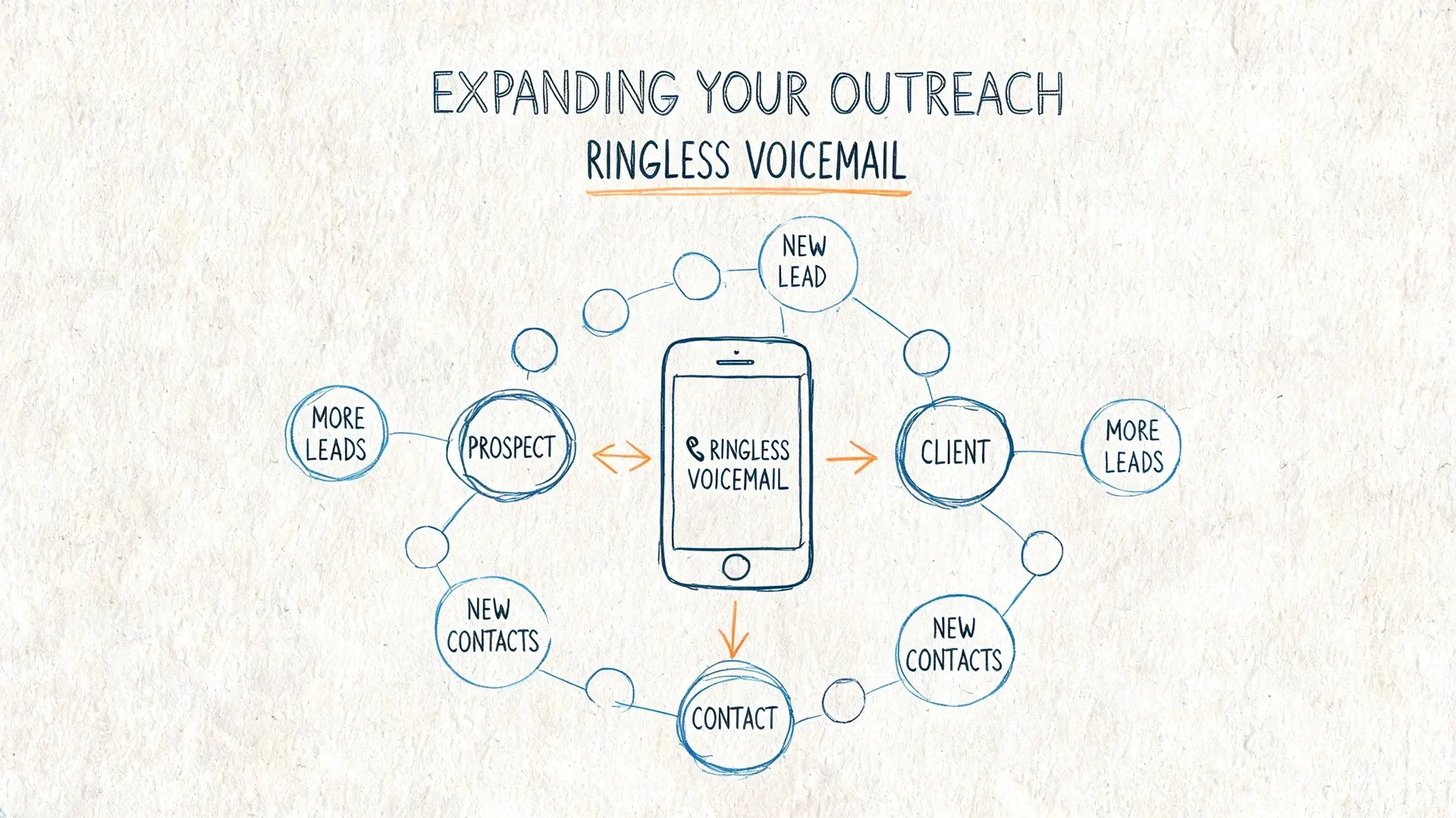
Text isn’t the only private outreach tool worth using. Ringless voicemail belongs in the same conversation because it also delivers a one-to-one experience without creating public clutter.
A ringless voicemail drop sends a prerecorded message directly to the recipient’s voicemail inbox without ringing the phone in the usual way. Used well, it complements blind copy text messages rather than replacing them.
The same consent rules apply: the FCC ruled in 2022 that ringless voicemail to a wireless phone is a "call" under the TCPA and needs consent (FCC 22-85).
Where ringless voicemail fits best
SMS is strong when the recipient should read and respond quickly. Ringless voicemail works better when tone matters, when a message needs more context, or when you want to sound more human than a short text allows.
Some effective pairings look like this:
- Event reminders: Send a text first, then follow with voicemail for no-shows or day-before reminders.
- Lead nurturing: Use SMS for the initial prompt and voicemail for a warmer follow-up.
- Appointment communication: Text for confirmation, voicemail for reschedule instructions or more personal reminders.
Think in sequences, not channels
The strongest outreach systems don’t ask whether SMS or voicemail is better. They use each tool for what it does best.
A simple sequence might look like this:
| Step | Channel | Best use |
|---|---|---|
| First contact | SMS | Short, direct action prompt |
| Follow-up | Ringless voicemail | More context and a human voice |
| Final reminder | SMS | Quick response or confirmation |
That kind of sequence is especially useful for reminders, promotions, reactivation campaigns, and customer follow-up where one message alone might get missed.
If you want examples of how this channel works in practice, this guide to ringless voicemail marketing is a good next read.
Use text for speed. Use ringless voicemail for tone. Together, they create a more flexible private outreach system.
From Group Chat Chaos to Smart Communication
Blind copy text messages solve a basic problem that standard phones were never designed to handle well. You want to reach many people at once, but you don’t want to expose their numbers, invite reply-all confusion, or leave your team juggling manual workarounds.
The right fix isn’t another phone setting. It’s a professional workflow. Build a permission-based list. Personalize the message. Send privately. Route replies cleanly. Keep records. Add ringless voicemail when a voice touch makes the sequence stronger.
That shift changes more than delivery. It improves privacy, keeps communication organized, supports compliance, and makes your outreach feel respectful instead of intrusive.
Many teams start by asking, “Can I BCC a text?” The better question is, “What system lets us communicate privately and reliably every time?” Once you frame it that way, the path gets a lot clearer.
To answer that first question directly: you can't BCC a text from a phone. You can send separate messages, use group SMS or Android's mass text setting for one-to-one replies, or send SMS broadcasts to an opt-in list so every contact gets a private message.
If you need a practical way to send private bulk texts, manage replies, and combine SMS with voice and ringless voicemail in one place, Broadcast is built for that workflow. It helps teams organize contacts, personalize outreach, automate follow-ups, and keep communication scalable without falling back on messy group chat hacks.
Frequently Asked Questions
Is It Possible to Blind Copy a Text Message?
Not with a BCC field. iPhone and Android messaging apps have none. You can get the same result by sending each person a separate text, or by using a mass texting platform that sends every contact an individual message and routes replies only to you.
Can You BCC a Text on iPhone?
No. Adding several people in Messages starts a group conversation (Apple). In a group SMS, replies come back individually and recipients can't see other responses; in group iMessage and MMS, everyone sees all responses (Apple Support).
Can You BCC a Text Message on Android?
There is no BCC field, but Google Messages has a "mass text" option under Messages settings > Advanced > Group messaging that sends an SMS to all recipients and brings replies back individually (Google Messages Help). Other Android messaging apps vary.
Can Recipients See Each Other in a Group Text?
In a group iMessage, MMS or RCS conversation, members share one thread and everyone can see all responses (Apple Support). If people should not see each other, do not use a group chat: send separate messages.
How Do I Send a BCC Mass Text?
Import contacts who opted in, write one message with merge fields such as the first name, include opt-out instructions, register your number (10DLC for local numbers), and send from a texting platform. Each person receives an individual text. Steps in how to send a mass text and 10DLC compliance.
How Do I Send 100 Texts at Once?
From a phone, a group or mass text can reach many people, but CTIA's profile of typical personal texting tops out at about 100 unique recipients per message, and a business sending to customers counts as business (non-consumer) messaging at any volume, which means consent and opt-out rules apply (CTIA Messaging Principles). For a business list, use a platform and a registered number.
What Does "Blind Text" Mean?
In texting, a blind text (or blind copy text) is one message sent to many people where each recipient gets it privately and cannot see who else received it, like email BCC. Phones do not offer it natively; it takes separate sends or a mass texting platform.
Can I Schedule a Private Text to Many People?
On iPhone you can schedule an iMessage up to 14 days ahead with Send Later (Apple), but it goes to one conversation at a time. Scheduling one message for a whole list, each delivered privately, is a job for a texting platform.


